
Water Damaged Electronics in Alvin, TX: What to Do First
Turn it off and unplug it, do not try to power it on to see if it works, and keep it out of rice. The first minutes decide whether anything is recoverable.
Short answer: disconnect power, remove batteries if you can, do not turn the device on and let it dry in open, dry air while you ask a technician about it. Clean-water exposure is easier to recover from than flood or sewage water. If the data matters, a data recovery specialist can help even when the device is lost.
Why Water and Electronics Do Not Mix
Water on its own does not always ruin electronics. The damage comes when power runs across wet circuits. That causes short circuits, and corrosion starts soon after. Contaminated water, especially salt or flood water, leaves residues that continue to corrode the device after it dries.
First Steps for Any Wet Device
- Get out of the water safely. If electrical equipment is in standing water, do not touch it. Turn off power at the breaker from a dry spot.
- Unplug the device and any cables.
- Remove the battery, SIM and memory cards if they are removable.
- Do not press the power button to test it.
- Wipe the surface with a clean, dry cloth.
- Place it in open, dry air in a cool spot. Do not use a hair dryer or oven.
Do not plug in any appliance, TV or computer that has been in water until a qualified technician has checked it. Water in a power supply or wiring can cause shock or fire.
The Rice Myth
Many people place wet phones in rice. This is not recommended. Rice does little to pull moisture out of a sealed device, and grains can lodge in ports. Open air and time work better. For valuable devices, a repair shop can open the case, clean the board and dry it properly.
| Device | Best next step |
|---|---|
| Phone. | Power off, remove SIM and case, open-air dry, take to a repair shop. |
| Laptop. | Power off, remove battery if possible, do not charge, see a technician. |
| TV or console. | Unplug, do not turn on, have it inspected. |
| Hard drive. | Do not power. Contact data recovery if the data matters. |
| Major appliance. | Unplug and call a technician. |
| Smoke detector or other safety devices. | Replace after flood water. |
Alvin Note
In a flood, electrical systems in the home can also be damaged. Brazoria County's hazard mitigation plan describes homes in Alvin that have flooded repeatedly. After flood water, have a licensed electrician check outlets, the panel and wiring before turning power back on. The Texas Department of Insurance advises homeowners to keep damaged items until the adjuster has seen them, so photograph electronics and note serial numbers.
Data First
The device is replaceable. Photos and documents may not be. If you have backups in the cloud, you are in good shape. If not, do not keep trying to turn the device on. Each attempt can cause more damage. A data recovery specialist may be able to read the drive or memory chip even if the device is dead.
Insurance and Documentation
Many homeowners policies cover electronics damaged by a covered water loss, subject to limits and depreciation. Flood is usually excluded unless you have flood coverage. Photograph each item and note its make, model, serial number and approximate age. Keep receipts, if you have them. If you rent, your renters policy covers your electronics.
When to Replace Rather Than Repair
- The device was in flood or sewage water.
- It is old and cheap relative to repair cost.
- There is visible corrosion.
- It is a safety device such as a smoke detector or a power strip.
- It has an unusual smell or heat after drying.
A restoration provider handles the water in the house, and electronics are something you set aside carefully. See flood damage cleanup and water damage restoration in Liverpool for how we handle wet rooms.
Different Devices, Different Rules
Small sealed devices such as phones and watches are often rated for water resistance. That rating applies to fresh water for short periods, and it fades with age. Flood and sewage water are not what the rating was designed for. Large appliances are different again. Their control boards sit low and can be damaged by even a few inches of water.
- Wearables: rinse with fresh water if they met salt or dirty water, dry and let a shop inspect them.
- Game consoles and TVs: unplug and do not power on.
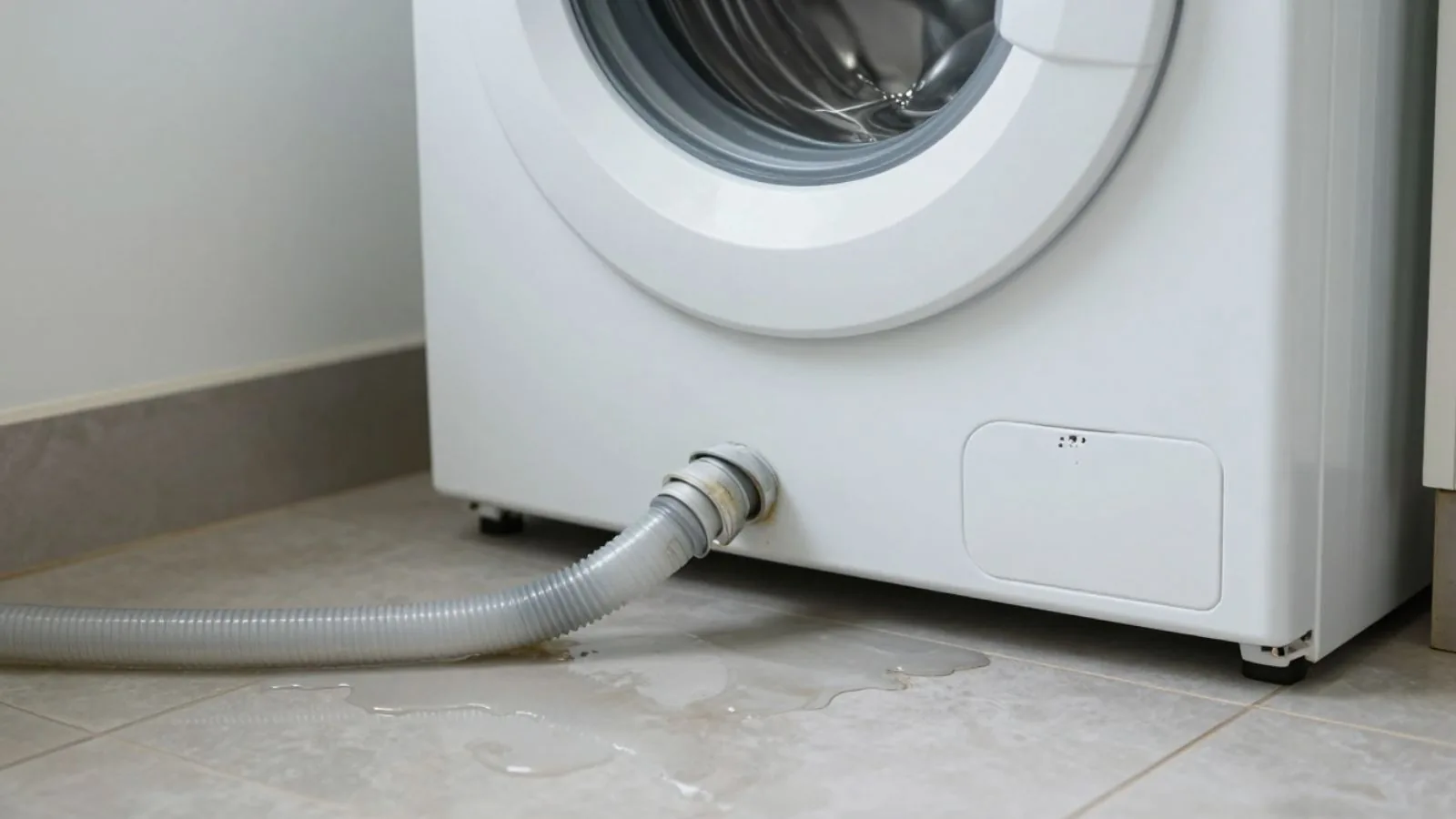
- Washers and dryers: unplug and have a technician check the control board.
- Refrigerators: if water reached the compressor or controls, ask a technician.
- HVAC equipment: if the outdoor unit or air handler was submerged, have it checked before use.
Power Strips, Cords and Outlets
Cords and power strips that got wet can be unsafe even after they dry. Replace them. Outlets and switches that were submerged should be inspected by an electrician. Do not turn on a circuit breaker for a flooded room until a qualified person has checked the wiring.
Backing Up for Next Time
Back up phones and computers regularly to a cloud service. Keep a recent copy of important files on a drive stored in a different place. If the worst happens, you will lose a device and not the memories on it.
Safety Around Wet Electrical Equipment
Wet electronics are a minor problem compared with a wet electrical system. If water reached outlets, switches, the breaker panel or wiring, treat the whole circuit as unsafe. Do not touch wet equipment while standing in water. If you must reach the panel, make sure you are standing on a dry surface, and call the utility if you are not sure it is safe.
- Never use extension cords through wet areas.
- Do not use a generator indoors or in an attached garage.
- Replace smoke and carbon monoxide detectors that were submerged.
- Have an electrician test circuits before restoring power.
What a Repair Shop Will Do
A repair shop will usually open the device, remove corrosion with a cleaning solution and dry the board. They may test components and replace those that failed. Success depends on the type of water, how soon the device was powered down and how long it sat wet. Ask for a price before they start, and ask what happens if the device cannot be saved.
According to the IICRC S500 water damage standard, contaminated flood water is treated differently from clean water, and that difference applies to electronics as well.
If water is still standing in the room, water extraction is the first job, since electronics cannot be assessed until the room is safe.
Crews cover more than Alvin. The service area includes Manvel, Liverpool and Pearland.
Electronics Questions in Alvin
Can I turn on a phone that got wet?
No. Wait for it to be checked. Turning it on can short the board.
Does rice work?
Not well. Open air and a repair shop work better.
What if my TV was in flood water?
Do not use it. Have it inspected or replace it.
Is my laptop covered by homeowners insurance?
Often if a covered water loss damaged it, subject to your policy limits. Check your policy.
Where do I take a wet laptop in Alvin?
A reputable local repair shop or the manufacturer. Ask about data recovery.
Water Still Spreading?
Call the 24/7 emergency line and tell the dispatcher what happened.
Call (844) 950-6900